Instant website status check to see if a website is up or down.
Find out whether it’s down for everyone or just you, then enable monitoring to stay informed automatically.
Enter a website URL (example.com)
Check Now
Start Monitoring (Free)
No signup required for a quick website check.
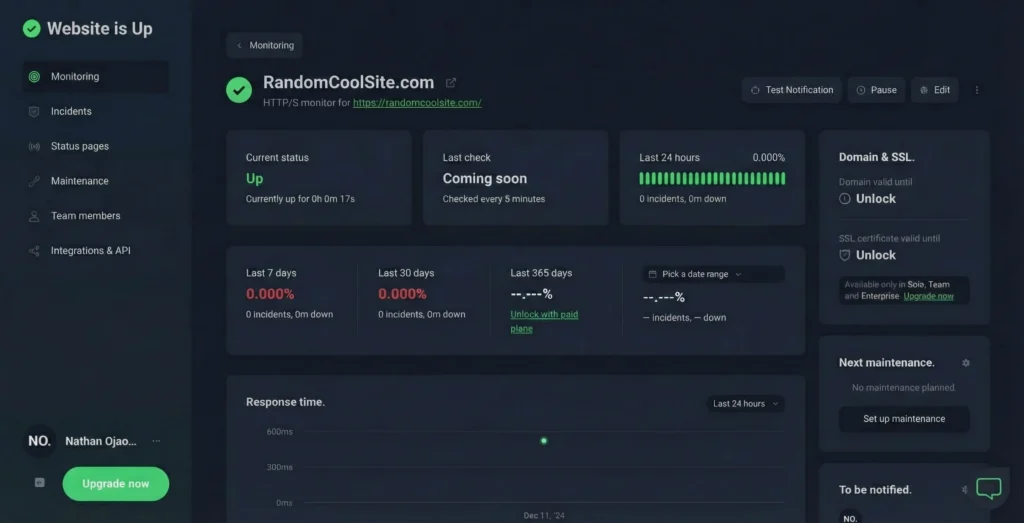
Check If a Website Is Up or Down Right Now
When a website won’t load, guessing wastes time. Website Is Up runs a real availability check and shows you what’s happening.
We check:
- Current website availability
- Basic response signals
- Time of the most recent check
Use the result to decide whether the problem is temporary, local, or something that needs monitoring.
Run Another Check
Monitor This Website
Down for Everyone or Just You?
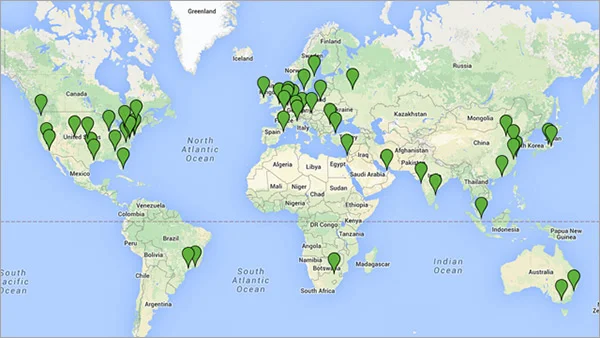
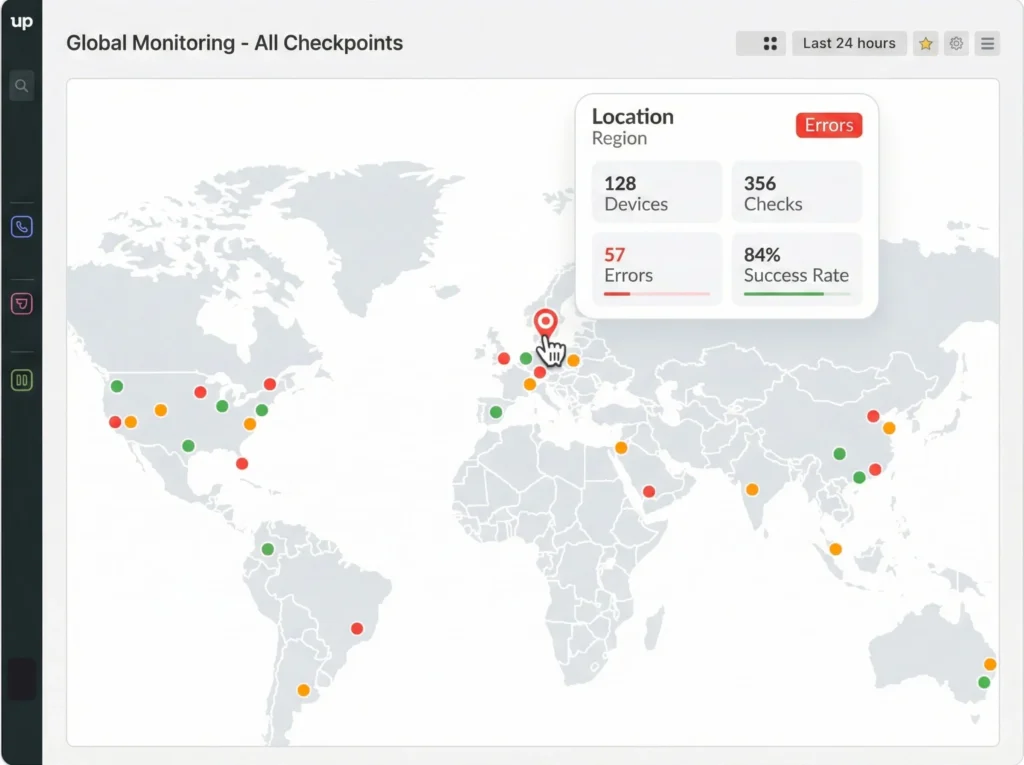
A website can be online but unreachable from certain locations or networks.
Common reasons include:
- Local network or ISP issues
- DNS records that haven’t fully updated
- Regional routing or CDN problems
If the website works elsewhere but not for you, the issue is likely local. If it fails everywhere, it’s probably down globally.
Check from multiple locations
Website Is Up but You Can’t Access It?
This is one of the most common and confusing situations.
A website can technically be “up” while still failing to load in your browser. This often happens due to:
- DNS configuration or propagation issues
- SSL certificate errors or expiration
- Server overload or slow responses
- Website updating or scheduled maintenance
- Firewall, hosting, or ISP restrictions
In these cases, one-time checks help, but monitoring is what catches recurring problems.
Monitor this website during updates
Why a Website Can Be “Up” but Still Unusable
An uptime check only confirms that a server responds. It doesn’t always reflect the full user experience.
For example:
- A server may respond but take too long to load pages
- SSL errors may block browsers even though the server is reachable
- Regional outages may affect users in only certain countries
Website uptime monitoring helps you see patterns over time instead of relying on a single check.
How the Website Uptime Checker Works
- Enter a website URL
- We test whether the website responds
- You see a clear up or down status
- Enable monitoring if you want automatic alerts
It’s fast, simple, and works without setup.
Stop Checking Manually. Monitor Your Website 24/7.
Manual checks only tell you what’s happening right now. Monitoring tells you when something goes wrong, even when you’re not watching.
With website uptime monitoring, you can:
- Track website availability continuously
- Get alerts when a site goes down
- Watch response time changes over time
- Avoid false alarms during maintenance
Start Monitoring Free
Who Website Is Up For
Small businesses
Keep your website online without technical complexity.
Ecommerce stores
Downtime means lost sales. Get notified immediately.
Developers
Quick checks, clear alerts, and less noise.
Agencies
Monitor multiple client websites from one place.
Frequently Asked Questions
How do I check if a website is up?
Enter the website URL and run a quick check. You’ll see whether the website responds normally or appears down.
How do I check if a website is up or down for everyone?
If a website fails consistently across checks, it’s likely down for everyone. If it works elsewhere, the issue may be local.
Why does it say my website is up but I can’t access it?
This usually points to DNS issues, regional network problems, SSL errors, maintenance, or server overload.
What does “website is updating” mean?
It usually means changes are being deployed, services restarted, or caches cleared. Monitoring helps confirm when the website is fully accessible again.
What’s the difference between a website checker and uptime monitoring?
A website checker is a one-time test. Uptime monitoring runs continuously and alerts you automatically.
Check Now. Monitor What Matters.
Run a free website up check in seconds.
Enable monitoring if the website is important to you.
Check Website
Start Monitoring